Hestus CEO Sohrab Haghighat, a former rocket launch founder, demos autocomplete for CAD: an AI layer on Autodesk Fusion that suggests your next design step.

Autocomplete for CAD works the way autocomplete works in a code editor: the software watches what a hardware engineer is drawing and suggests the next step, which the engineer accepts with one click or ignores. On Episode 53, Sohrab Haghighat, CEO and co-founder of Hestus, showed us how his product does this as an AI layer on top of the CAD software teams already use. His pitch is simple: fewer clicks means fewer mistakes and faster designs.
Sohrab, who goes by Rob, is an aerospace engineer by training. Before Hestus he ran a rocket launch company, and he says years at the front line of software and hardware development came with a lot of pain. He describes "heartbreaks and pains" that he and his team went through bringing hardware to life.
Those mishaps led him and his co-founder Kevin to the conclusion that there had to be a better way. Later in the episode he put the motivation even more plainly: they started Hestus because they were frustrated as engineers themselves, and their motto is to make engineers' lives better.

Watch the Hestus autocomplete demo in Episode 53 (starts at 2:57) · Episode 53 notes and transcript
Rob's first demo was deliberately simple. A designer draws a new rectangle. Hestus sees it and guesses that the designer probably wants center lines as reference, to position the rectangle better. The suggestion appears as a red graphical overlay, and the user accepts it with a single click or ignores it and keeps going. Side by side, the manual version took far more time and many more clicks.
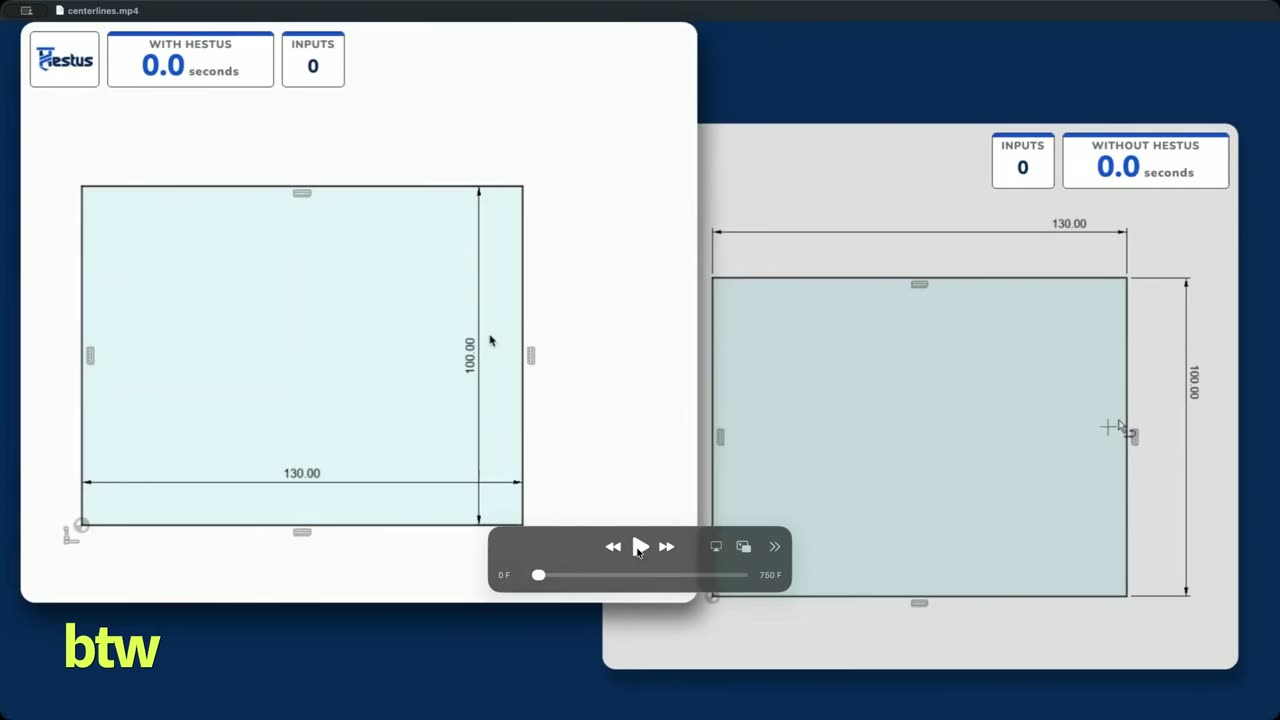
The second demo showed where the time savings stack up. Adding four mounting circles to a backplate, Hestus first suggested a center line, which was not what the designer wanted. Rob cycled to the next recommendation, and it replicated the pattern and applied the symmetry requirements and constraints in one step. He was clear that each of these is a small example, but a real product design is full of them.
Ultimately, every click that we save for a user is an opportunity of mistakes that we are eliminating from the design, and we get them to finish the design faster.
— Sohrab Haghighat, Episode 53
Jordan asked whether Hestus lives as a plug-in inside AutoCAD. Rob says it is an extra layer on top of whatever CAD a team uses. His reasoning is that organizations already have a huge corpus of data and designs in the CAD they adopted, so asking them to move to new software is the wrong approach. Bringing intelligence into the software they already use is the right one.
We insist on meeting our users, meeting engineers where they are as opposed to inventing a new workflow for them.
— Sohrab Haghighat, Episode 53
The designer also stays in charge. Rob stressed that the engineer keeps full control over how the design looks: "It's your design. It's your engineering." Hestus just helps them finish it faster.
Sam asked whether Hestus picks up on habits, for example if a user always picks the third recommendation. Rob says yes, within a single design session. Hestus reorders its recommendations based on what the user chooses or passes on while they work.
It does not carry those preferences into the next session, because the right choice can depend on that particular design's needs. Over time, though, those choices feed into model training that improves the product for every user.
Hestus runs today on Autodesk Fusion. At the time of recording, Rob said a SolidWorks release was one or two weeks away, with Onshape, NX and CATIA planned over time. The product is free to download.
The target user is anyone designing hardware. Rob calls them all mechanical engineers, but that includes aerospace engineers, robotics engineers and others. Hestus is less focused on architecture, though he has seen people use it to speed up the lines, dimensions and constraints in an apartment or house plan.
He credits the breadth to a bottom-up approach. Every design starts from a 2D sketch, so they built the AI from the sketch up, the way an engineer learns in school. As a result, users have come from industrial valve design, drones, diesel engines and even dining chairs. Jordan summed up the benefit as compounding time savings: a design that used to take z hours could take a quarter of that with Hestus helping along the way. Rob agreed that saved clicks and faster finishes are the measurable benefit today. For more on AI in physical products, see our AI in manufacturing and hardware page and Episode 50 on physics simulation for chip design.
That is the long-term goal. Rob wants Hestus to become the tool people reach for when they design hardware, the same way people now use Claude or Codex for software. With those tools, he says, you no longer just ask for a function. You brainstorm, work out an architecture, build an execution plan and go through each piece. He wants the same for physical products, ending in something that is ready to make.
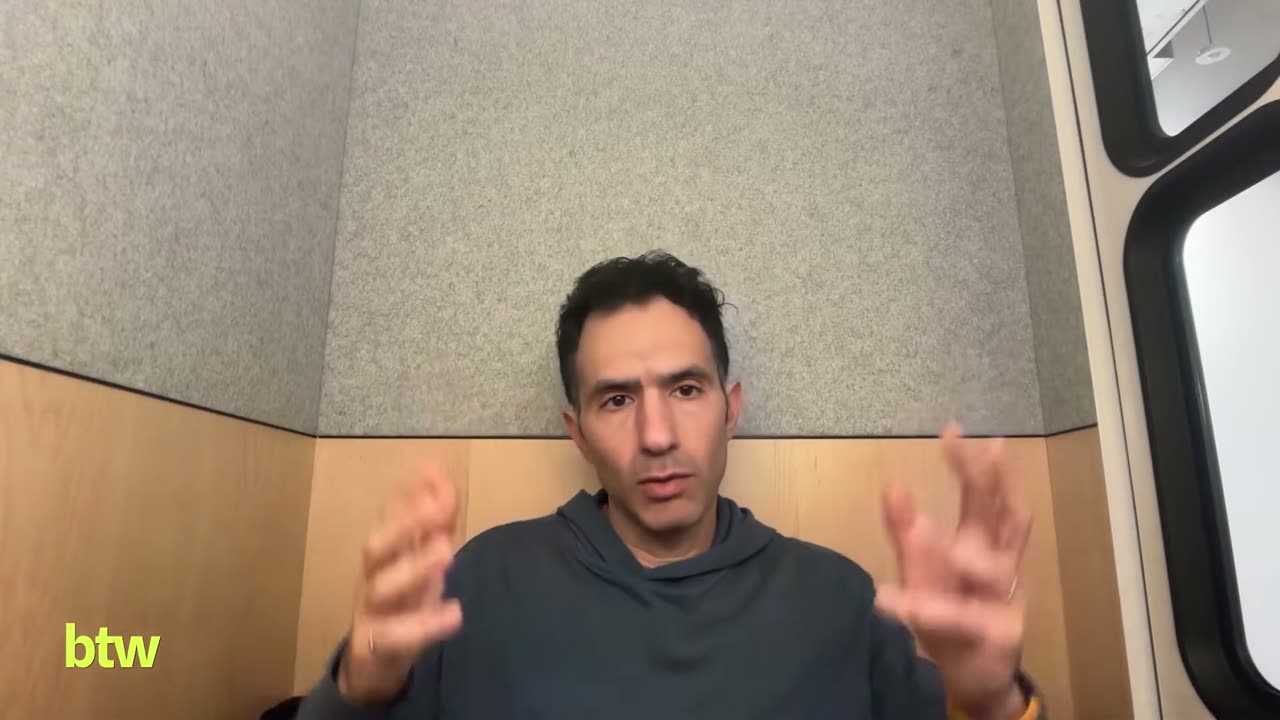
There's a significant gap between here's a flashy three d model versus a three d model that is ready for manufacturing
— Sohrab Haghighat, Episode 53
He calls his plan a sustainable one: sketches first, then 3D, then assemblies, then manufacturing, and once all of that works, glue it together in one AI that understands the whole process.
In the news segment, Sam brought up the new model releases from Anthropic and OpenAI. Jordan said he had tested the new Opus model and found it performing well and significantly cheaper than Fable, which we covered in Episode 46. He also uses Codex a lot. He noted that Grok released a model that week too, and that his overall takeaway is that intelligence is getting cheaper and the labs are not slowing down.
Rob uses Anthropic models for his own programming and welcomes the lower cost. But he says there is no direct line from better LLMs to a better Hestus. His team believes physical design needs a custom model built from the ground up for that application. Better LLMs help them code faster to build that model, and cheaper coding is always welcome, but the model itself is a different problem.
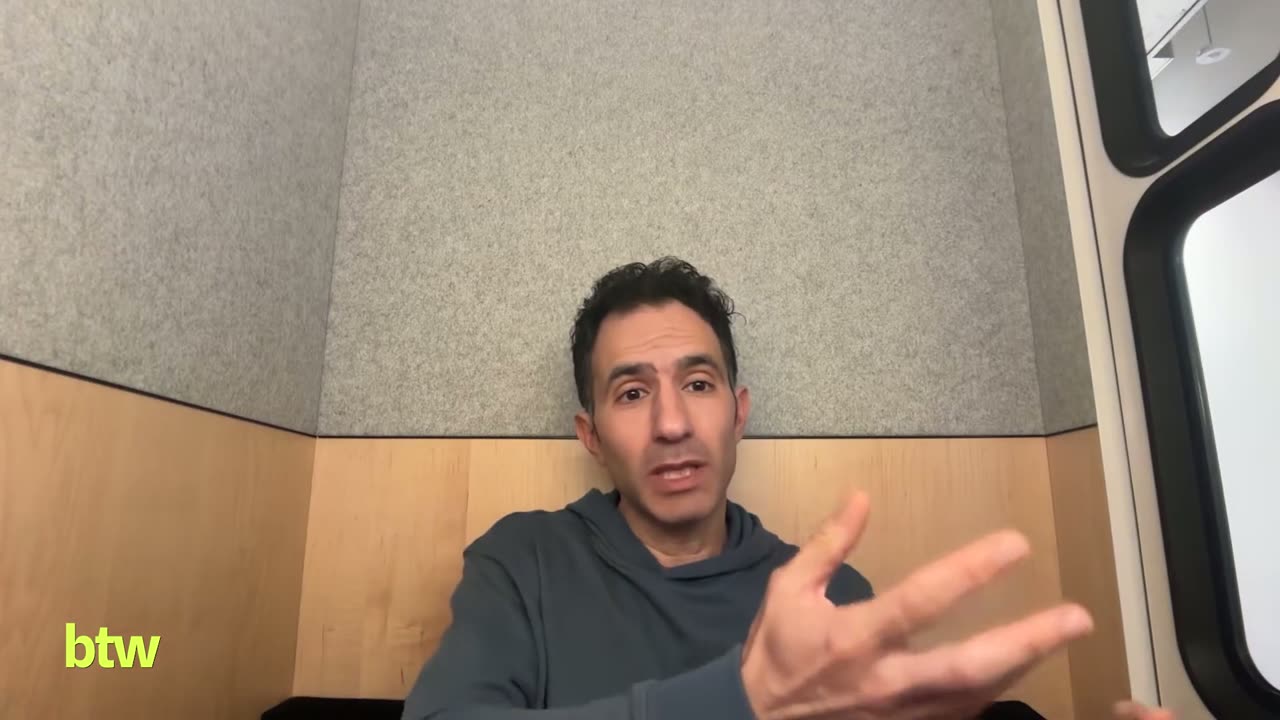
See Rob's full Hestus demo and our conversation on Episode 53 of Built This Week. The episode page has the complete transcript. If Hestus gives you a bad recommendation, Rob says the bug icon in the software is the way to tell his team.